
What is Expense Management Automation?
Expense management automation is defined as the process of using software to computerize enforcement of processes and policies related to employee expenses.
These automated tasks can include expense threshold, receipt capture/ document scan, reimbursement, and overall expense disbursement based on set policies and standards. The key goal of automating expense management is to reduce manual tasks, optimize resource allocation, and minimize human errors in internal finance operations.
Errors in expense documentation, policy enforcement and tracking, often leads to significant cash leakages in enterprises, while employees also face issues related to delays in approvals or reimbursements. Automating these manual tasks that put a strain on human resources and time, can be a relief for finance teams, as well as employees who use these benefits.
Key Components for Automating Expense Management in Enterprises
- Platform integration and data unification
For any new expense automation software, it is key to ensure that it has full integration capabilities with your existing/ upcoming enterprise tech stack, such as ERPs, accounting software, finance tools etc. This is primarily required to access historic and existing finance data from such platforms.
Rever goes further by keeping a unified working copy of the data from your existing finance tools inside Rever. It rigorously authenticates this data, highlights any issues and presents a unified view of enterprise finance, while leaving the source data in your systems as they were.
- Expense policies and processes
Expense policies determine key factors of expense management such as expense threshold, pre-approval/ post-approval conditions, required documentation, exception handling etc. Each of these rules should feed into the automation system and be applied as each case comes in.
Defining and detailing out of these policies helps with both governance, as well as implementation by teams and software systems.
- Approval and escalation workflows
Expense management automation should follow the set chains for approvals and escalations where required. Advanced platforms like Rever can even deliver contextual and role-based alerts to team leads and executives.
The system should be able to maintain an auto-updated map of hierarchies and ingested approval matrices and precisely follow the set chain, and AI can help work out what each scenario requires.
- Checks and control methods
Checks and control methods such as 2 way/ 3 way record matching, receipt capture/ document scans, approval workflows, reconciliations etc, should be part of core automation, as they are highly data intensive tasks. The system should be able to apply all policies, processes, spending thresholds, state/ national/ international compliance regulations etc as required, as each expense comes in.
Furthermore, any anomalies should be detected, highlighted and alerted to the right people in the enterprise. In such automations, like is the case with Rever, there are in-built data authentication checks to detect trend variations and data abnormalities.
Typically, human decision making should only be required at the final review and submission stage.
- Automation software selection
Picking an expense automation software requires key consideration of capabilities such as integration with existing platforms, record matching, document scans, AI-driven proactive insights, detection of anomalies and trend deviations etc.
Rever delivers these capabilities through its specialist agents, and Eve answers questions about your finance data in plain language.
- Human SPOC
While automation enables maximized productivity, human oversight is always key to ensure that it is functioning as intended. Day to day users may not notice issues in the system and may carry on usage despite creeping problems in the data or processing. Designating human oversight through single point of contact (SPOC) ensures proper overview of the automation software, as well as the connected platforms and API links.
Benefits of Using Expense Management Automation
- Continuous reconciliations
Automation platforms like Rever run reconciliations continuously instead of only at the end of the month. Checks run throughout the month, turning monthly book-keeping into an always-on application of checks and vigilance.
At month-end, instead of dealing with the pressure of verifications, documentation checks and reconciliations, your team merely reviews what is already kept ready for them by the system.
- Faster expense processing
By reducing manual workload through automation of repetitive and laborious tasks such as manual application of approval workflows, record matching, applying checks and controls, enforcing company policies etc, expense management processes are much faster.
Not only can it lead to drastically improved finance effectiveness, it also delivers a much better employee experience while claiming benefits.
- More secured and audit-ready transactions
Automation software like Rever has the capabilities to ensure that transactions have a traceable data trail, are verifiable and audit-ready at any time. Through drastic minimization of human errors, both decisions and transactions are significantly less prone to errors that are common when executed manually.
Furthermore, automated checks of company policies and spend limits help keep the books clean and reduce leakages.
- Time and resource savings
Expense automation can deliver more effective finance teams by moving the manual workload to software, with the final decisions always resting with humans. Platforms like Rever also run reconciliations continuously, turning book-closing day into a review day.
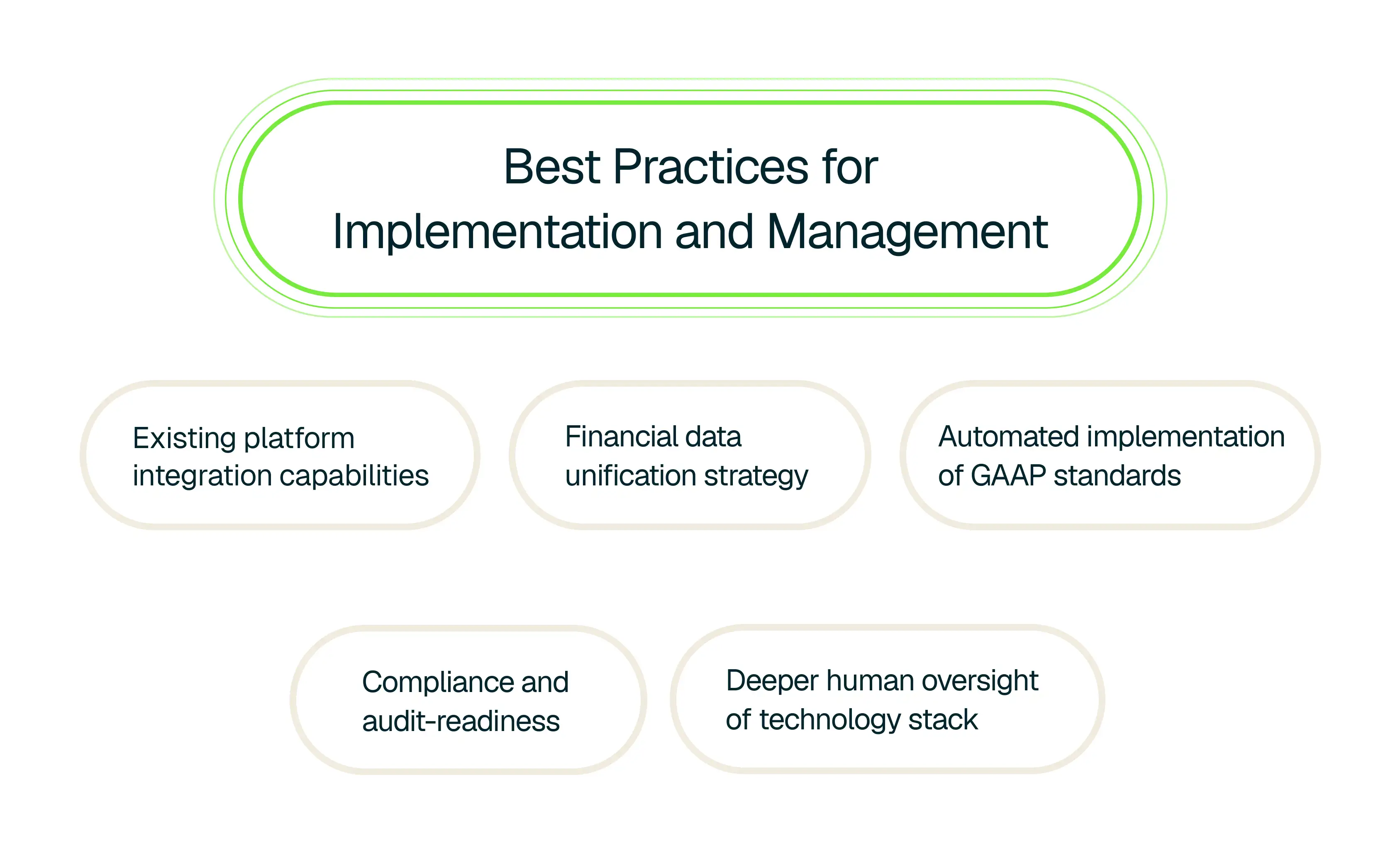
Best Practices for Implementation and Management
- Existing platform integration capabilities
The very first scan for any expense automation tool should be to check for compatibility and integration with your existing enterprise tools that store key finance data. This ensures that the data can be ingested, unified and processed correctly, without which errors are bound to creep in as the automation system will work with incomplete data.
- Financial data unification strategy
Fragmented data sitting in silos across enterprise tools is one of the primary causes for issues and errors in finance operations. A data integration strategy helps define how data can be brought together and unified from their current siloed states. By combining the information in one unified view, enterprises can derive much more accurate insights and always make decisions based on the most updated and accurate data available.
Rever keeps a checked, unified working copy of the data from your tools and platforms inside Rever, without overwriting or editing the original data. This ensures that you get a unified view of your own finance data, while always having the option to check the original data spread across platforms.
- Consistent application of accounting policies
The expense management automation software should apply the company's accounting policies, set in line with GAAP, consistently to every expense, with the finance team reviewing any judgment calls. This adds a layer of compliance that is applied to every transaction.
- Compliance and audit-readiness
Automation of enterprise expenses should leave a verifiable trail of data for any auditor or compliance officer. With automated checks of company policies, regulations and standards, it should be much easier to stay audit-ready.
- Deeper human oversight of technology stack
While automation in any financial operation can bring a plethora of benefits, human oversight in this business operation is even more critical given its sensitivities. Small issues with the automation software or its connected enterprise systems can cause widespread issues across functions.
The solution here is simple - the final key decisions should always rest with humans and the software itself should have adequate and regular in-built checks to ensure that it is operating as intended.


